For browser QA agents, Gemini 3.1 Flash Lite gave us the best speed, cost, and reliability balance in production. The workload rewards fast, cheap, instruction-following execution over deep reasoning, so a lightweight model that follows specs, uses tools consistently, and returns a clean PASS or FAIL outperforms slower frontier models across broad release sweeps.
Last updated: May 17, 2026.
“Best Model” Depends Entirely on the Workflow
Browser QA is not the same workload as deep architecture planning or long-form code synthesis. The model does not need to invent new abstractions. It needs to read a test spec, navigate a browser, use a small toolset reliably, notice when the page is broken, and return a crisp verdict.
That changes the evaluation criteria. In this workflow, the best model is not the one with the most raw reasoning depth. It is the one that gives you the best speed-cost-reliability ratio across many runs.
What Browser QA Actually Demands
A useful browser QA model needs to do four things well:
- Follow ordered instructions without drifting off-task
- Use tools consistently for screenshots, crash checks, and findings
- Move fast enough that broad sweeps remain practical
- Stay cheap enough that teams do not ration usage to a tiny subset of flows
This is exactly why Gemini 3.1 Flash Lite emerged as the best fit in our deployments.
The Production Signal Behind the Choice
In both TheBlueOne and InterviewLM, the QA runtime converged on google/gemini-3.1-flash-lite-preview for day-to-day execution. That was not an abstract preference. It was an operational decision formed while running the agent against real suites, including:
- 338 markdown specs in TheBlueOne
- 142 markdown specs in InterviewLM
- 289 archived run directories across the two codebases as inspected on April 16, 2026
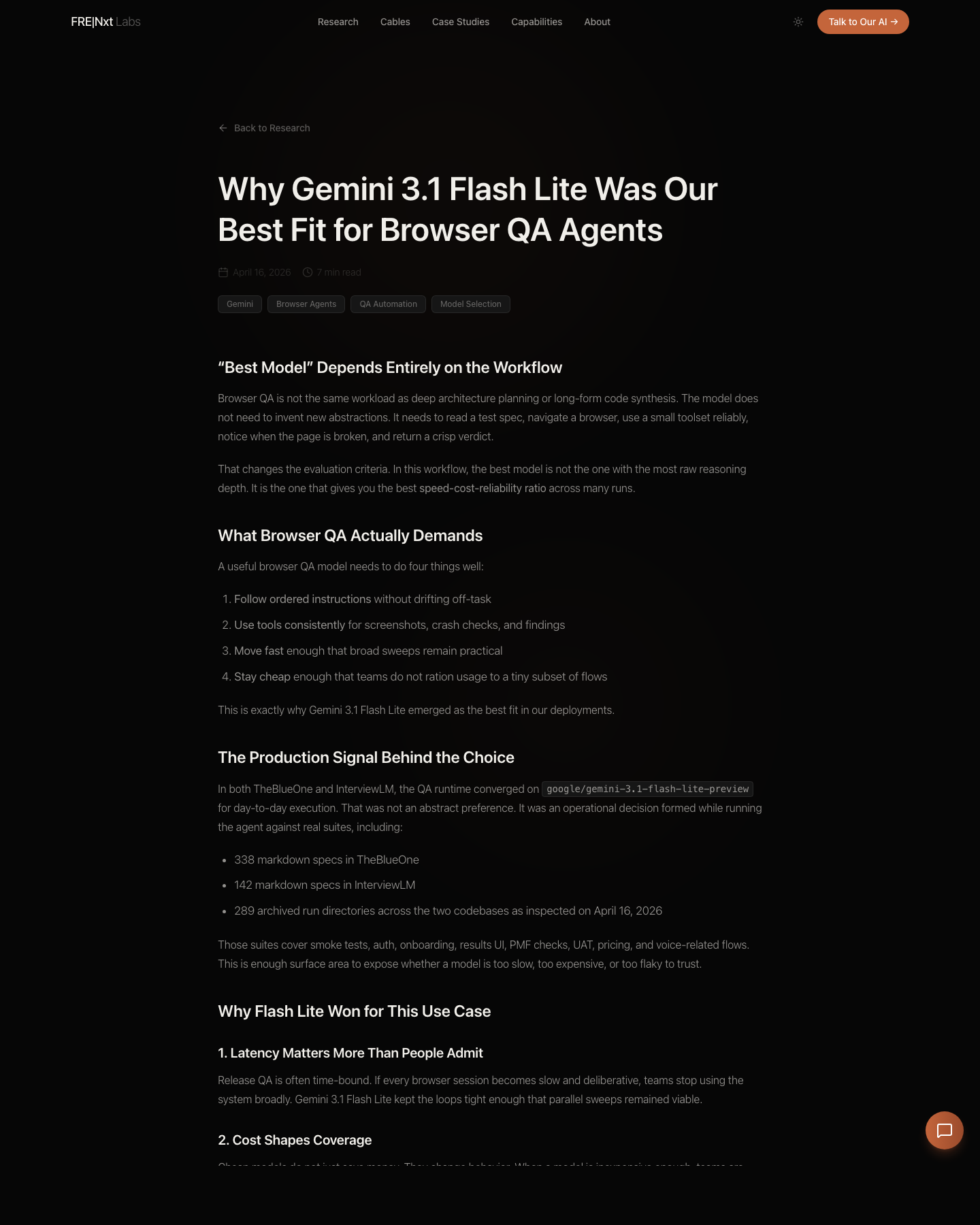
frenxt page once the rendering check was green.Those suites cover smoke tests, auth, onboarding, results UI, PMF checks, UAT, pricing, and voice-related flows. This is enough surface area to expose whether a model is too slow, too expensive, or too flaky to trust.
Why Flash Lite Won for This Use Case
1. Latency Matters More Than People Admit
Release QA is often time-bound. If every browser session becomes slow and deliberative, teams stop using the system broadly. Gemini 3.1 Flash Lite kept the loops tight enough that parallel sweeps remained viable.
2. Cost Shapes Coverage
Cheap models do not just save money. They change behavior. When a model is inexpensive enough, teams are willing to run more suites, add more scenarios, and preserve richer artifact capture. That means better coverage, not just a lower bill.
3. It Was Reliable Enough for the Job
Browser QA does not reward theatrical reasoning. It rewards a model that follows the spec, uses the tools, and closes the loop with PASS or FAIL. Gemini 3.1 Flash Lite was consistently good enough at exactly that.
Important Nuance: This Is Not a Universal Claim
We are not claiming Gemini 3.1 Flash Lite is the best model for every agent workload. We are claiming it was the best fit for this workflow in our production usage. If the task shifts toward deeper diagnosis, multi-step architecture work, or toolchains with much heavier reasoning demands, your answer may change.
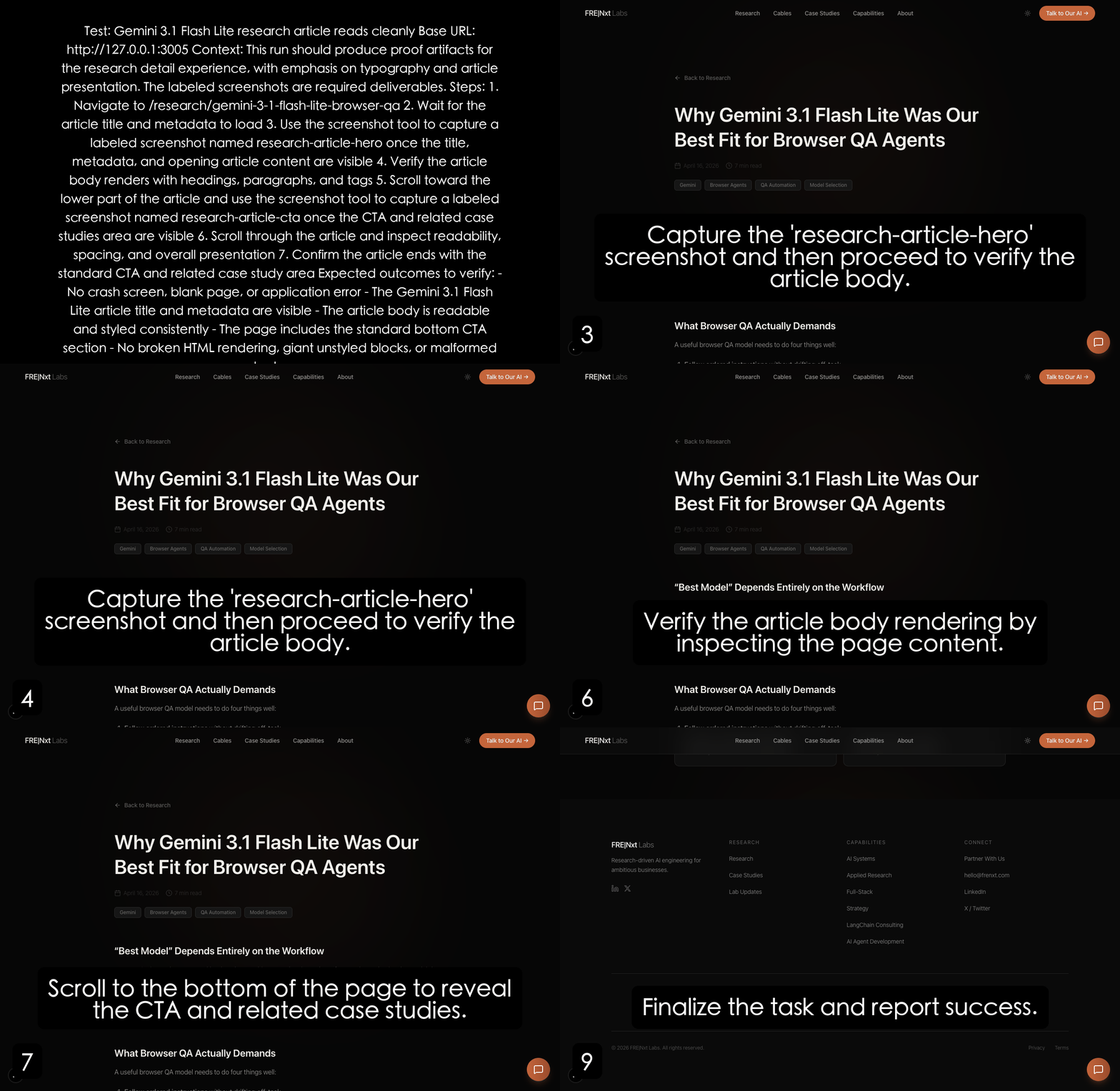
2026-04-16T21-31-57.The Practical Recommendation
If you are building browser QA agents, start with the metrics that matter operationally:
- Time per run
- Cost per sweep
- Instruction adherence
- Artifact quality
- Verdict clarity
In our case, those metrics pushed us toward Gemini 3.1 Flash Lite. That choice let us keep the agent fast, broad, and cheap without losing the behavior fidelity we needed for real QA work. If you want help selecting and wiring the right model into a browser QA runtime, that is the kind of work our AI agent development engagements cover.
FAQ
Is Gemini 3.1 Flash Lite the best model for all AI agents?
No. We found it the best fit for browser QA specifically, where the model reads a spec, drives a browser, uses a small toolset, and returns a verdict. For deeper diagnosis, multi-step architecture work, or heavy-reasoning toolchains, a more capable model is usually the right choice. Match the model to the workload, not the leaderboard.
What metrics should I use to choose a browser QA model?
In our production work the operational metrics that mattered were time per run, cost per sweep, instruction adherence, artifact quality, and verdict clarity. Raw reasoning depth was not the deciding factor, because browser QA does not reward theatrical reasoning. It rewards consistent spec-following and clean PASS or FAIL conclusions.
Why does model cost change QA coverage, not just the bill?
Cheap models change team behavior. When a model is inexpensive enough, teams run more suites, add more scenarios, and preserve richer artifact capture instead of rationing usage to a tiny subset of flows. The result is broader coverage, not only a lower invoice, which is why cost is a coverage lever and not just a finance line.
How much surface area did you test this on?
Across our engagements the QA runtime ran against 338 markdown specs in one codebase and 142 in another, with 289 archived run directories inspected on April 16, 2026. Those suites spanned smoke tests, auth, onboarding, results UI, PMF checks, UAT, pricing, and voice flows, which is enough to expose a model that is too slow, expensive, or flaky.
The agent runtime is open source: github.com/frenxt/qa-agent.